

Style
Course Thumbnail Maker
The Course Thumbnail Maker style is designed to create visually engaging and thematic thumbnails perfect for online courses and educational content. Leveraging vibrant colors, structured layouts, and education-centric visuals, this style ensures your courses stand out on any platform. Ideal for educators, instructional designers, and e-learning platforms, these thumbnails capture attention and communicate the subject matter instantly, enhancing click-through rates and learner engagement.
Train AI Image Models
Train your own Character
Train a unique character from your own everyday photos, apply the ready to use Course Thumbnail Maker to generate interesting and eye-catching images.

Input Image
Starting point for AI training is set of your images. More images of same character can be added to improve the model.
Pretrained AI model
Apply ready to use styles and effects on pretrained model or use custom prompt to generate images.


AI Generated Character with custom style
Images generated from the pretrained model
Design Eye-Catching Course Thumbnails
Create compelling thumbnails for your online courses using our Photomatic AI image generator. Capture your audience’s attention with vibrant, educational designs tailored for e-learning success. Get started today and boost your course’s visibility!
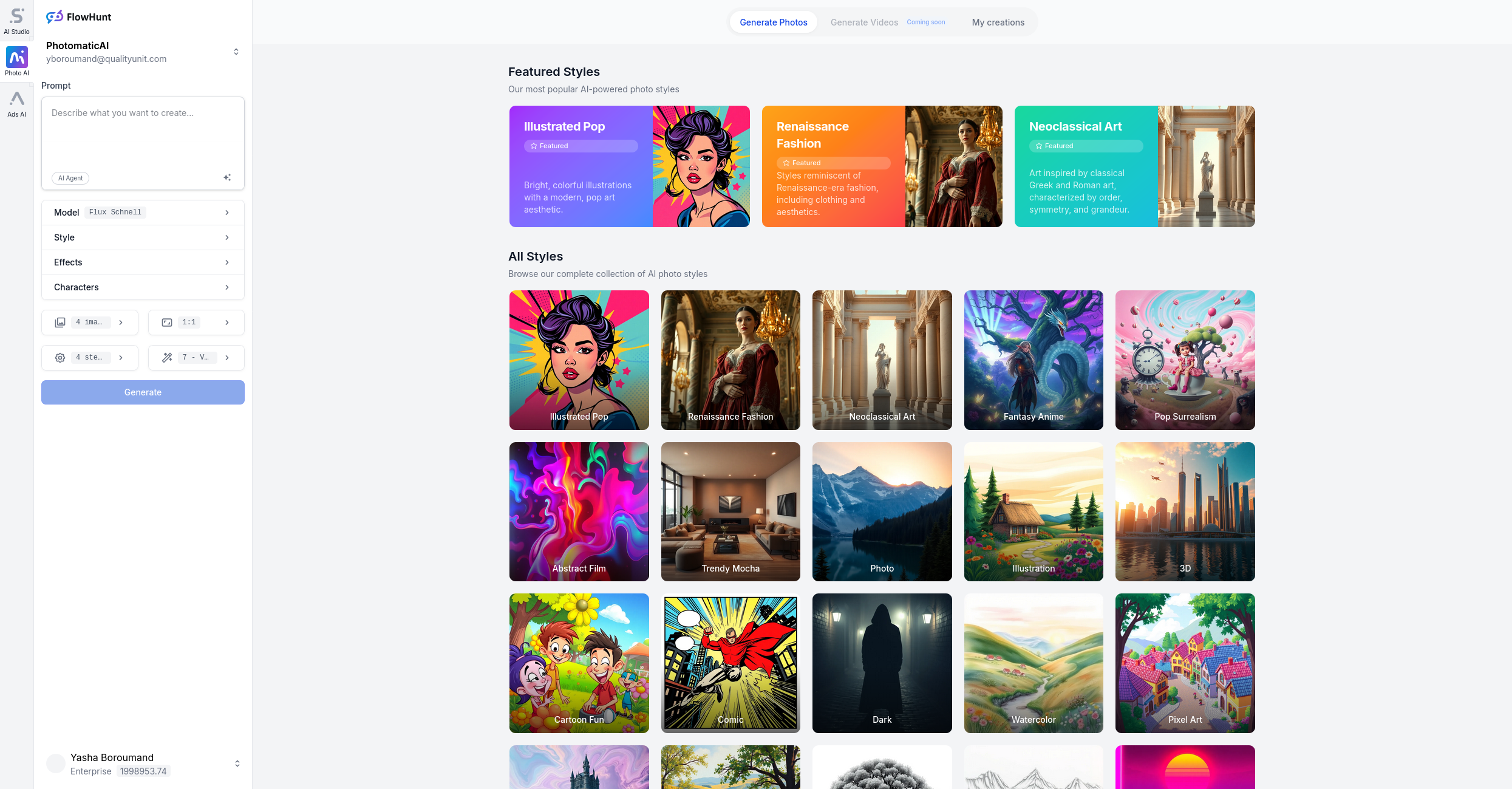
What is Course Thumbnail Maker? Description and History
The Course Thumbnail Maker style is a specialized image design approach for creating thumbnails tailored to online educational content. With the rise of e-learning and digital courses, the demand for visually engaging and informative thumbnails has soared. These thumbnails serve as the digital “face” of a course, offering a quick visual summary that encourages learners to click and enroll.
Originally, course thumbnails were often simple screenshots or generic stock photos. However, as the e-learning market grew more competitive, the importance of branding and visual appeal increased. Today, sophisticated tools and AI-driven generators like Photomatic enable anyone to create professional-quality thumbnails with minimal effort, using vibrant colors, thematic visuals, and layouts optimized for online platforms.
Who is Using Course Thumbnail Maker?
- Educators and Instructors: To showcase their online courses and boost enrollment.
- E-learning Platforms: To maintain a consistent and attractive visual identity across their course catalog.
- Instructional Designers: To improve the user experience and navigation within learning management systems.
- Content Creators and YouTubers: For educational video series and playlists.
- Corporate Trainers: To brand internal training modules and learning portals.
Examples of this effect
Books & Cap
Prompt: course thumbnail, educational design, vibrant colors, engaging layout, thematic visuals, stack of books and graduation cap, modern vector style
Science & Tech
Prompt: course thumbnail, educational design, vibrant colors, engaging layout, thematic visuals, science and technology theme, digital art style

Online Learning
Prompt: course thumbnail, educational design, vibrant colors, engaging layout, thematic visuals, online learning, laptop and lightbulb, flat illustration
How Does Course Thumbnail Maker Enhance Photos?
- Instant Recognition: Use of thematic visuals (books, caps, icons) communicates the subject immediately.
- Vibrant Colors: Eye-catching palettes draw attention in crowded course catalogs.
- Structured Layouts: Information is organized clearly, making course titles and instructors easy to read.
- Professional Branding: Customizable elements allow for consistent branding across all your courses.
- Increased Engagement: Well-designed thumbnails encourage more clicks and enrollments.
Use Cases for Course Thumbnail Maker: When and Why to Use It
1. Online Course Listings
Make your course stand out on platforms like Udemy or Coursera by using bold, thematic thumbnails that instantly convey your subject and professionalism.
2. Educational YouTube Series
Attract more viewers to your educational video playlists with consistent, branded thumbnails that promise value and quality.
3. Internal Corporate Training
Brand your internal training modules with thumbnails that match your company’s style and enhance employee engagement.
4. Academic LMS Portals
Help students find their courses quickly in university or school learning management systems by using clear, visually distinct thumbnails.
5. Social Media Promotion
Use thumbnails as social media graphics to advertise upcoming courses, webinars, or workshops, increasing reach and sign-ups.
Pro Tips for Using Course Thumbnail Maker
- Stay On-Brand: Use your institution or company’s colors and logos for a consistent look.
- Keep It Simple: Avoid clutter; focus on one strong central visual and clear text.
- Test Different Layouts: See which styles get more clicks and adjust accordingly.
- Optimize for All Devices: Make sure your thumbnail looks great on both desktop and mobile screens.
- Use High-Resolution Images: Crisp, clear visuals always perform better.
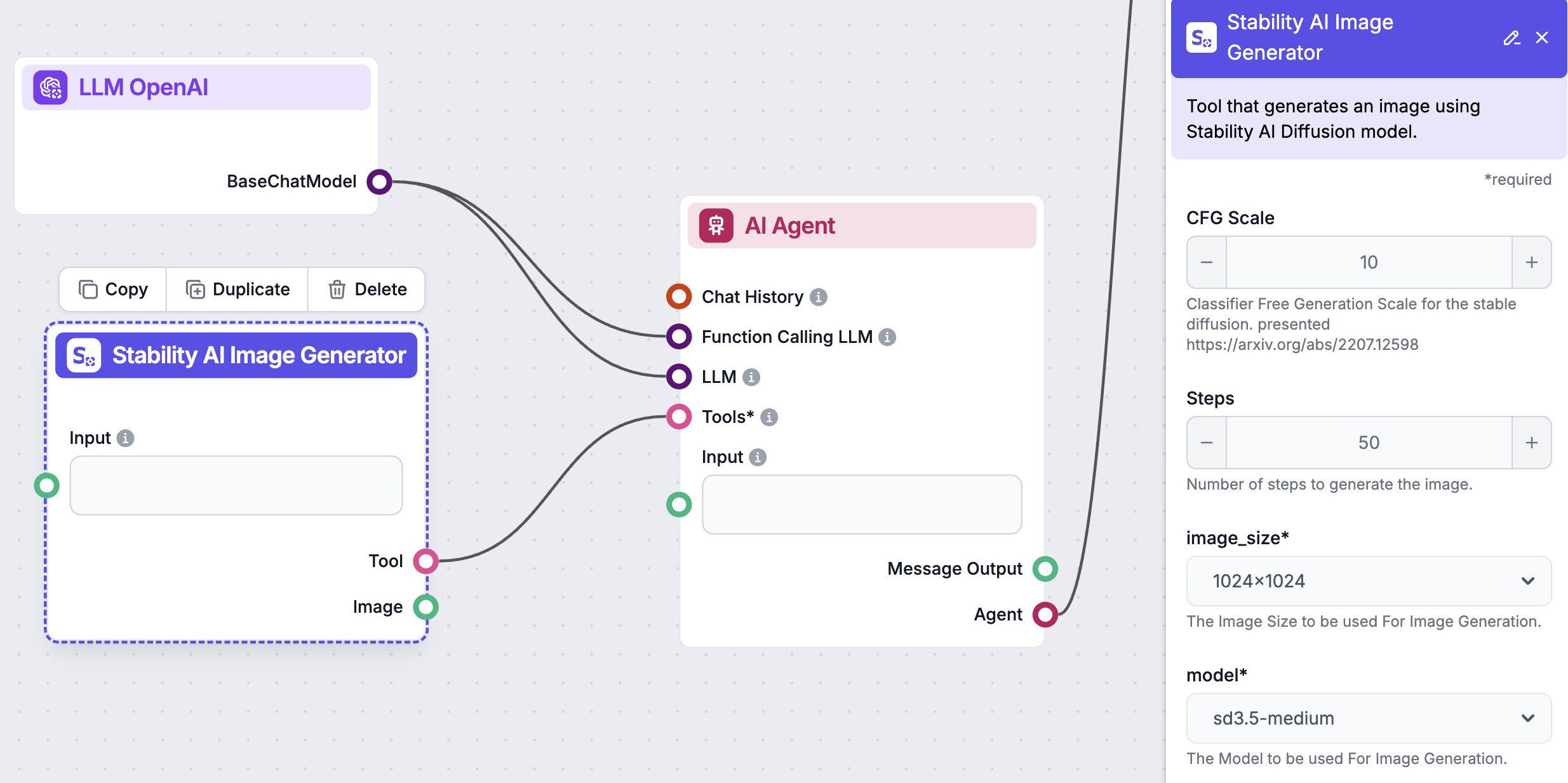
Automate your image generation with AI Agents
Generate At Scale With The Course Thumbnail Maker
Frequently asked questions
We automate marketing with AI
Let us help you automate your marketing tasks. Our platform allows you to create custom AI chatbots, agents, and workflows that can handle a wide range of tasks, from customer support to content generation.
- High-Quality Visual Content
Generate professional marketing visuals in seconds. Our AI creates stunning images that maintain brand consistency across all your campaigns without expensive design services.
- Content Creation at Scale
Produce large volumes of customized content efficiently. Create hundreds of images, blog posts, and marketing materials simultaneously with our AI automation workflows.
- Custom Brand Identity
Train AI models on your brand assets to create unique, on-brand visuals for any campaign. Maintain consistent visual identity across all marketing channels with character training technology.